
macOS utility
False Tap Stop
Prevent accidental taps when using Tap to Click on your Mac.
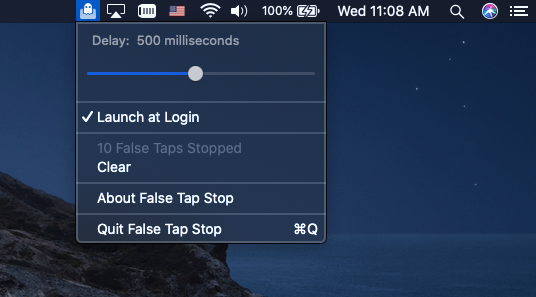
False Tap Stop ignores trackpad taps that occur while keys are being pressed. The time to ignore taps after a key press can be adjusted from the application menu.

Frequently asked questions
How do I know the app is working?
With the time set to the default value of 500 milliseconds, rapidly type in a document while tapping the trackpad. The cursor should not jump to another location, and the “False Taps Stopped” count in the application menu should increase.
What should I do if it is not working?
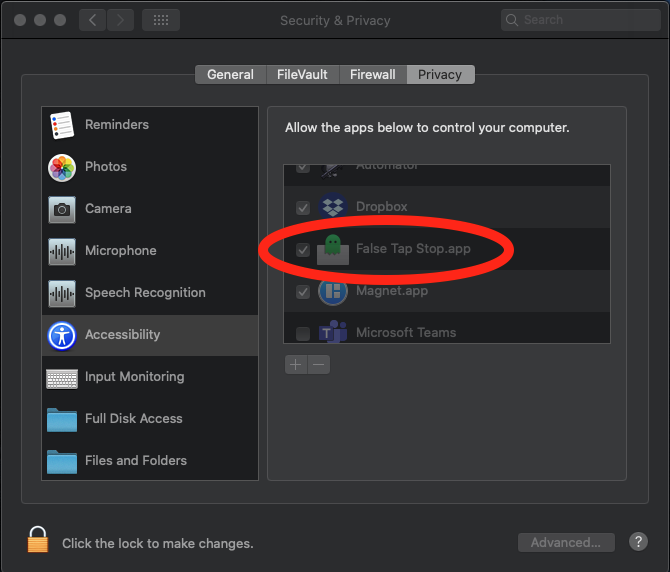
Open System Settings, go to Privacy & Security, then Accessibility. Make sure False Tap Stop has permission to control your computer, then quit and reopen the application.
Does the app collect personal information?
No. Read the privacy policy.
Can you support macOS 10.13 or older?
No.